Tool Call Card
ProThe inline row an agent leaves when it uses a tool: a mono call signature like read_file(page.tsx), the tool's glyph with a spinner that resolves into a drawn check, a note that shimmers while it runs, and a panel that unfolds to the arguments and result.
Installation
npx shadcn add @useplanes/tool-call-card
Unlock with Planes Pro
$99 once · 80 Pro components · lifetime updates.
<ToolCallCard
  name="read_file"
  label="Read page.tsx"
  args={{ path: "src/app/page.tsx" }}
  result={fileContents}
/>
Examples
Drive it from a real stream
Pass status yourself and the card follows your tool lifecycle instead of the demo timer.
const [call, setCall] = useState({ status: "running", result: "" });

<ToolCallCard
  name="web_search"
  label="Searching the web"
  args={{ query: "react 19 use hook" }}
  status={call.status}
  result={call.result}
/>
Chain several calls
Mount each row when its call starts, inline with the assistant's text. A tool call has no pending state in a real transcript.
{events.map((e) =>
  e.type === "tool" ? <ToolCallCard key={e.id} {...e} status={e.status} /> : <p key={e.id}>{e.text}</p>
)}
Use cases
Agent transcripts
Every tool the assistant calls gets a row the user can open, so the chat stays readable while nothing is hidden.
Coding assistants
Read, search, and edit calls stacked above a reply, the way Cursor and Claude Code render them.
RAG and search products
Show the retrieval step with its query and the documents it returned before the answer streams.
Workflow runners
One card per step in an automation, with failures surfacing inline instead of in a log.
Related components
All AI components
Thinking Loader
An AI thinking pill that cycles through phase labels like Searching and Writing, then pops a check when it finishes.
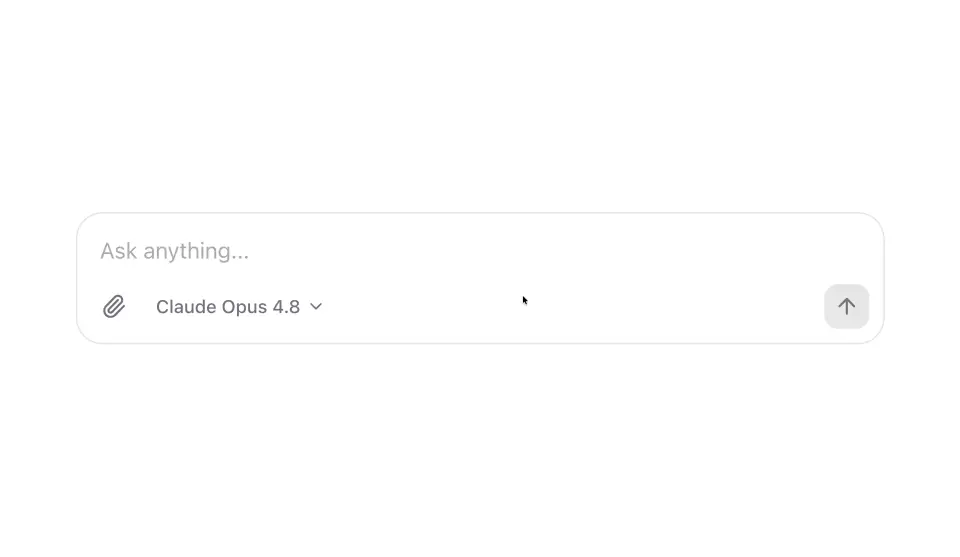
AI Prompt Composer
An AI chat composer with an auto-growing input, a model picker, and a send button that turns into a stop button while a response streams.
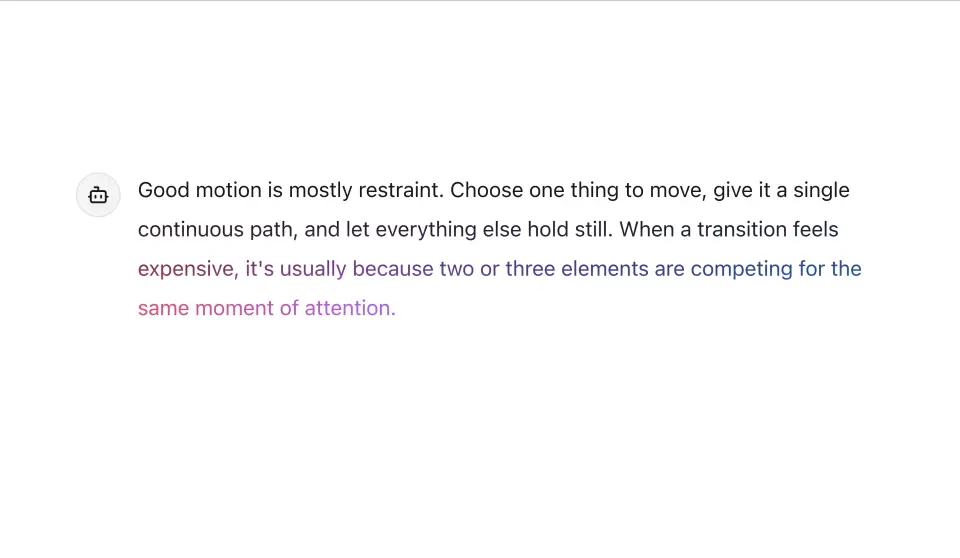
Streaming Message
An assistant message that develops in like ink — a soft-feathered edge sweeps down the text with an iridescent glow riding the write-frontier, then copy, regenerate, and feedback actions fade in without shifting the layout.
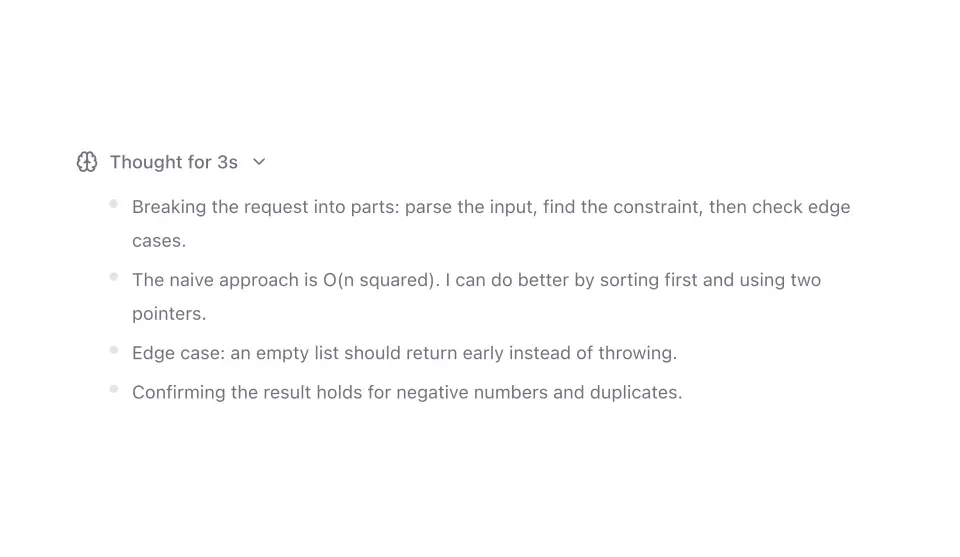
Reasoning Trace
A collapsible thinking panel that streams reasoning steps one at a time, then folds down to a short summary you can reopen.
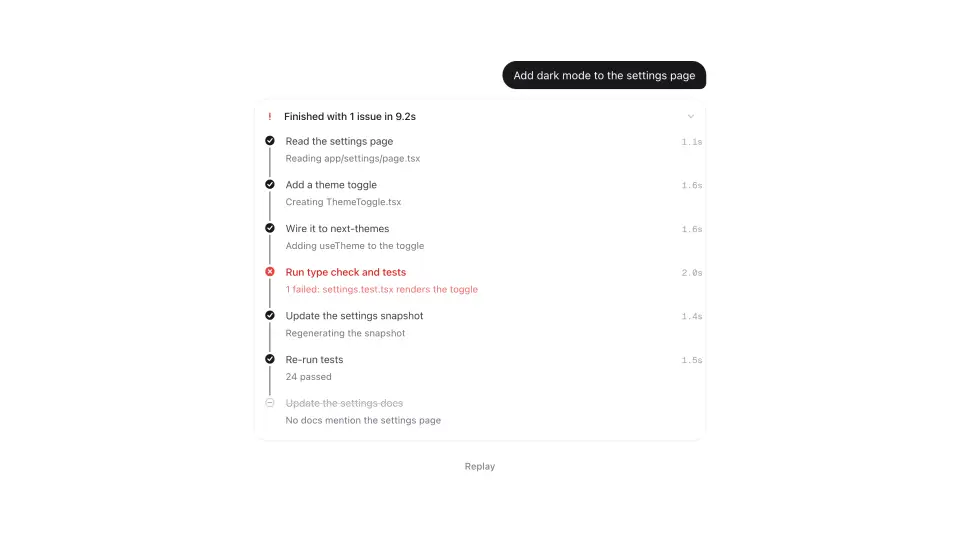
Agent Plan
A plan that behaves like an agent's plan: steps light up along a rail that fills as they finish, the active one breathes and shimmers its sub-status, failures insert recovery steps that slide the list apart, and the whole thing folds into one line when it's done.
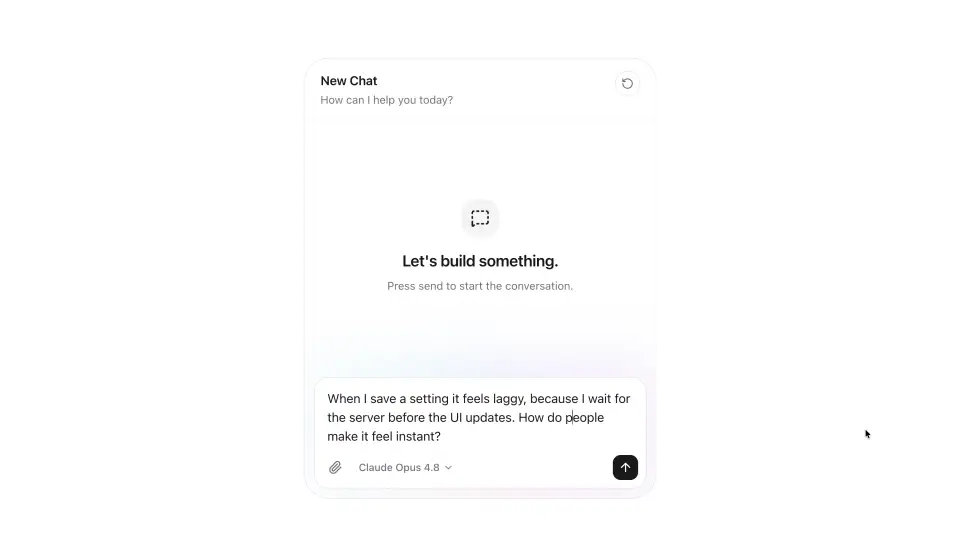
AI Chat
A full chat experience that ties the AI components together. Send a prompt and watch the reasoning stream, the reply type out, and the view pin to the bottom.