Morphing Tray
ProA floating tray that re-shapes itself as you move between steps — the container's height morphs on a spring while views cross-fade through blur. The Family wallet drawer.
Step through the flow — the tray re-shapes around each view.
Installation
npx shadcn add @useplanes/morphing-tray
Unlock with Planes Pro
$99 once · 80 Pro components · lifetime updates.
const [open, setOpen] = useState(false);
const [view, setView] = useState("options");

<MorphingTray
  fixed
  open={open}
  onClose={() => setOpen(false)}
  view={view}
  views={[
    {
      key: "options",
      title: "Wallet options",
      content: <button onClick={() => setView("confirm")}>Remove wallet…</button>,
    },
    {
      key: "confirm",
      title: "Remove wallet?",
      content: (
        <>
          <button onClick={() => setView("options")}>Cancel</button>
          <button onClick={() => setOpen(false)}>Remove</button>
        </>
      ),
    },
  ]}
/>
Use cases
Wallet and key flows
The canonical Family pattern — options, warnings, and confirmations in one panel that re-shapes per step.
Multi-step confirmations
Delete flows and irreversible actions where each step has different content heights.
Compact onboarding
A three-step setup that stays anchored in place instead of jumping between modals.
Contextual pickers
Settings that drill into detail views and back without a full navigation stack.
Related components
All Controls components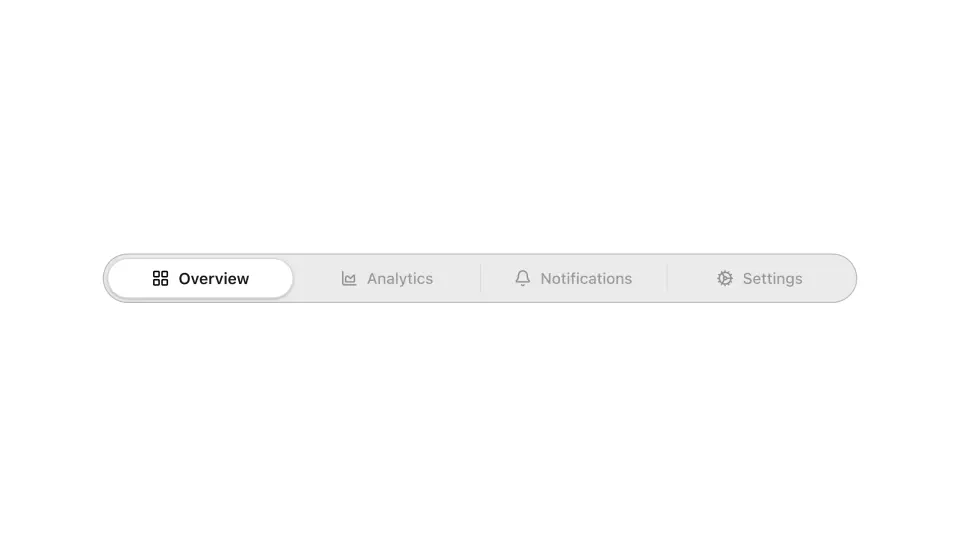
Segmented Control
Segmented tabs with a pill that stretches as it moves and settles into the selected tab.
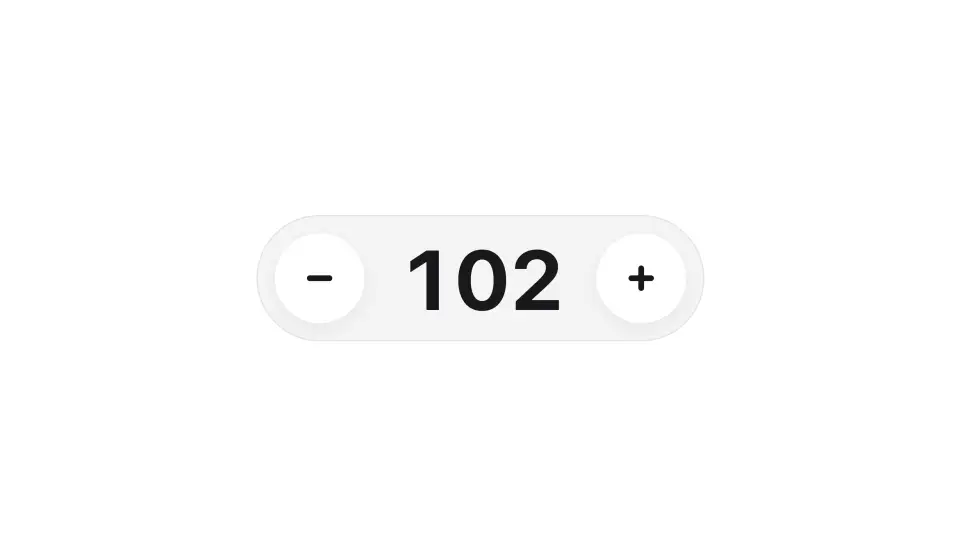
Number Stepper
A number input with rolling digits and plus and minus buttons that spring on press.

Email Capture
An email signup that expands from a button and animates from idle into a success state.
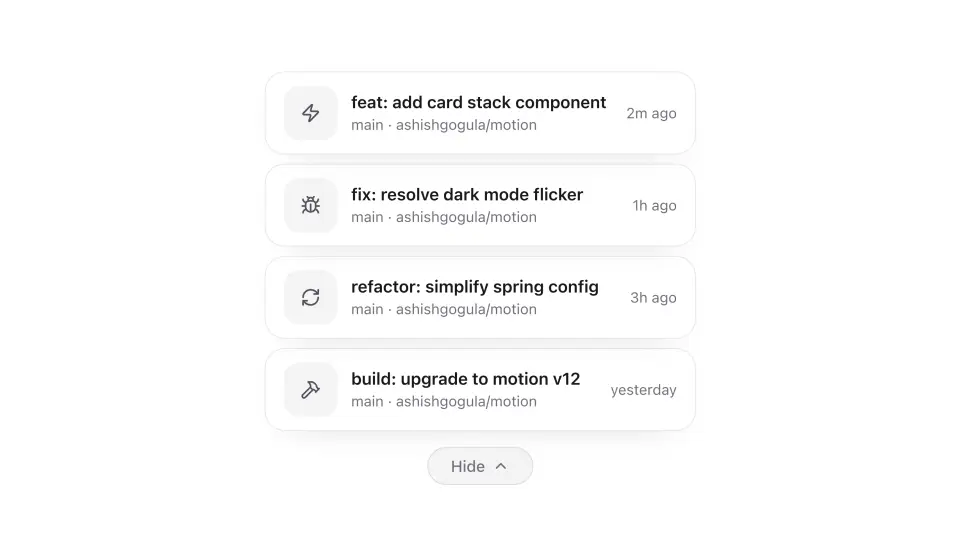
Card Stack
Stacked notification cards that fan out into a full list, then collapse back into a compact peek.
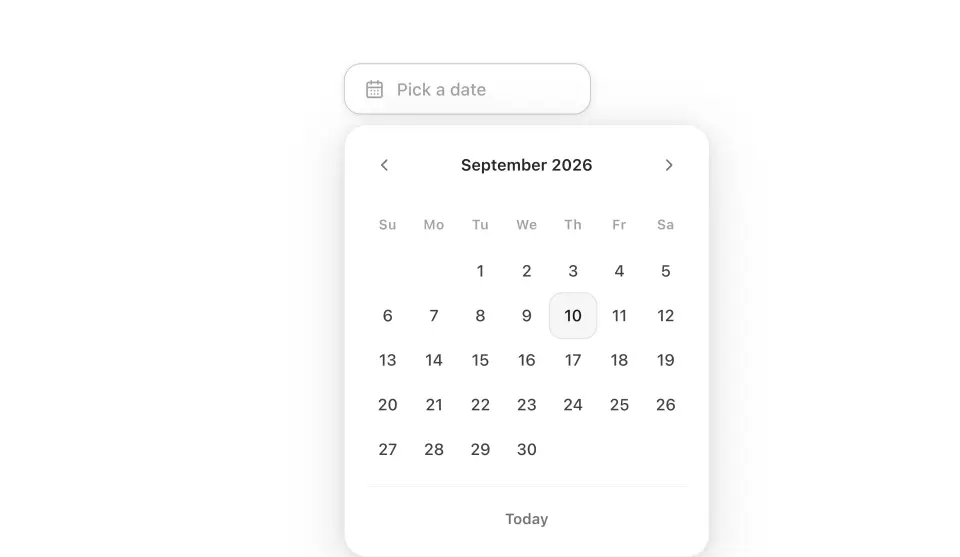
Date Picker
A calendar picker with spring month transitions and day cells that stagger in as you navigate.
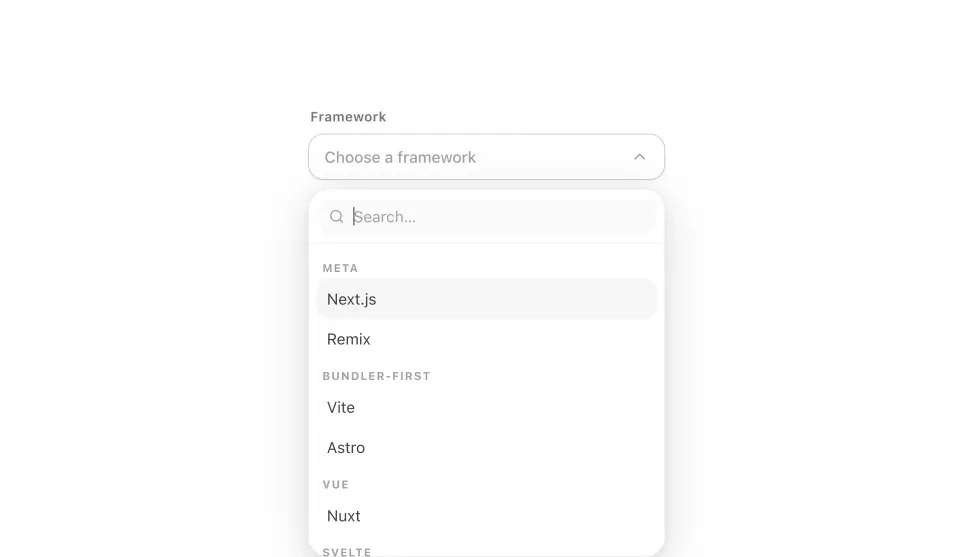
Animated Select
A searchable, grouped select that becomes a drag-to-dismiss bottom sheet on mobile and a spring popover on desktop.