Approval Card
ProThe permission prompt an agent shows before a risky action: a risk badge and mono command, Allow with a countdown ring that pauses while you hover, Deny that shakes the card, then the whole thing folds into a one-line receipt.
Installation
npx shadcn add @useplanes/approval-card
Unlock with Planes Pro
$99 once · 80 Pro components · lifetime updates.
<ApprovalCard
  title="Run command"
  description="Rebuild before running the tests."
  command="rm -rf dist && pnpm build"
  risk="high"
  onDecide={(decision) => respond(decision)}
/>
Examples
Gate a tool call
Render the tool row in its pending state with the card beneath it, then flip the row to running once the user allows. Deny ends the row in error.
<ToolCallCard name="bash" args={{ command }} status={status} error={denyReason} />
{status === "pending" && (
  <ApprovalCard
    title="Run command"
    command={command}
    risk="medium"
    onDecide={(d) => (d === "deny" ? setDenied(true) : resume(d))}
  />
)}
Edit requests carry the diff
Put an InlineDiff in the children slot so the user approves what they can see, not a file path.
<ApprovalCard title="Edit page.tsx" risk="low" allowLabel="Apply" onDecide={respond}>
  <InlineDiff fileName="page.tsx" before={before} after={after} showActions={false} />
</ApprovalCard>
Auto-approve the routine ones
Low-risk actions can carry a short timer. Hovering the card pauses it, so nobody gets approved past while reading.
<ApprovalCard
  title="Read file"
  command="cat src/lib/utils.ts"
  risk="low"
  allowAlways={false}
  autoApproveIn={5}
  onDecide={respond}
/>
Keep the prompt on screen
For audit views, leave the request visible and let the receipt append underneath.
<ApprovalCard
  title="Delete branch"
  command="git push origin --delete feature/old"
  risk="high"
  collapseOnDecide={false}
  decision={record.decision}
/>
Use cases
Coding agents
Gate shell commands, file writes, and git pushes the way Claude Code and Cursor do, inline in the transcript.
Browser and computer-use agents
Confirm a purchase, a form submit, or a sent email before the agent clicks.
Workflow automations
A human-in-the-loop step between two automated ones, with a timer for approvals that are usually fine.
Admin and ops tools
Any destructive action a bot proposes, with the risk level set from your own policy engine.
Related components
All AI components
Thinking Loader
An AI thinking pill that cycles through phase labels like Searching and Writing, then pops a check when it finishes.
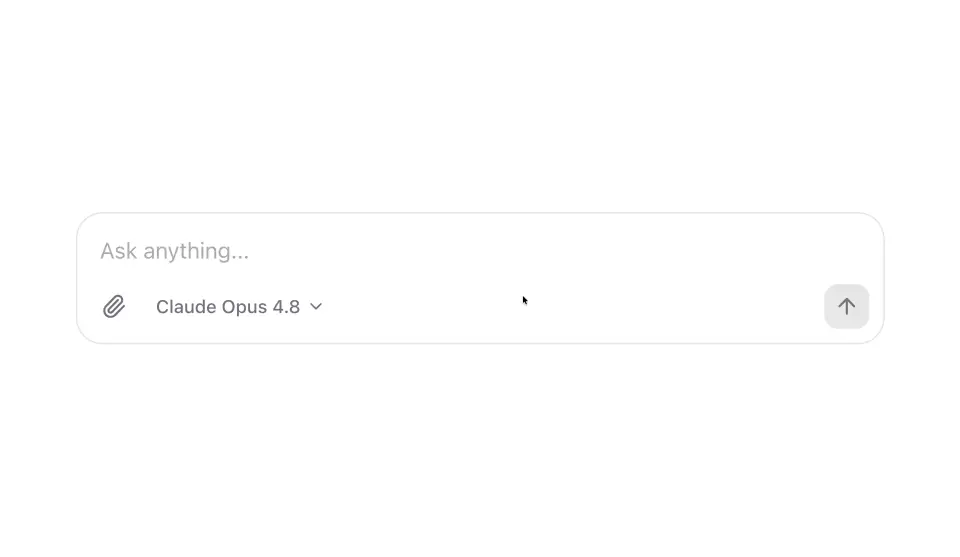
AI Prompt Composer
An AI chat composer with an auto-growing input, a model picker, and a send button that turns into a stop button while a response streams.
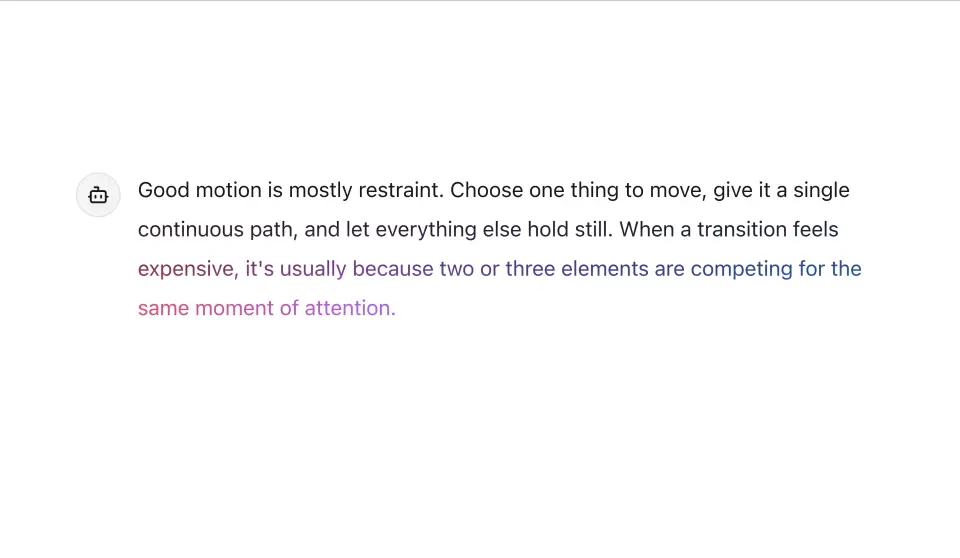
Streaming Message
An assistant message that develops in like ink — a soft-feathered edge sweeps down the text with an iridescent glow riding the write-frontier, then copy, regenerate, and feedback actions fade in without shifting the layout.
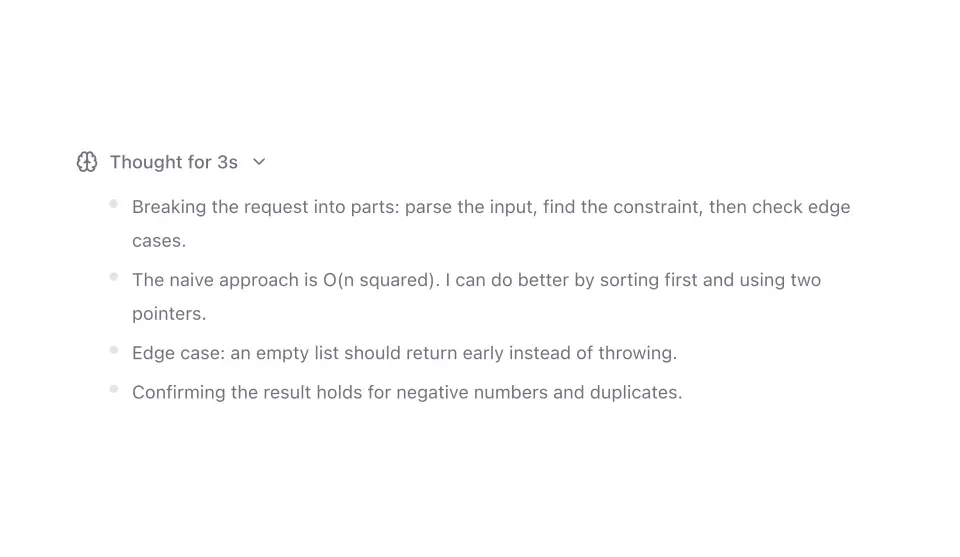
Reasoning Trace
A collapsible thinking panel that streams reasoning steps one at a time, then folds down to a short summary you can reopen.
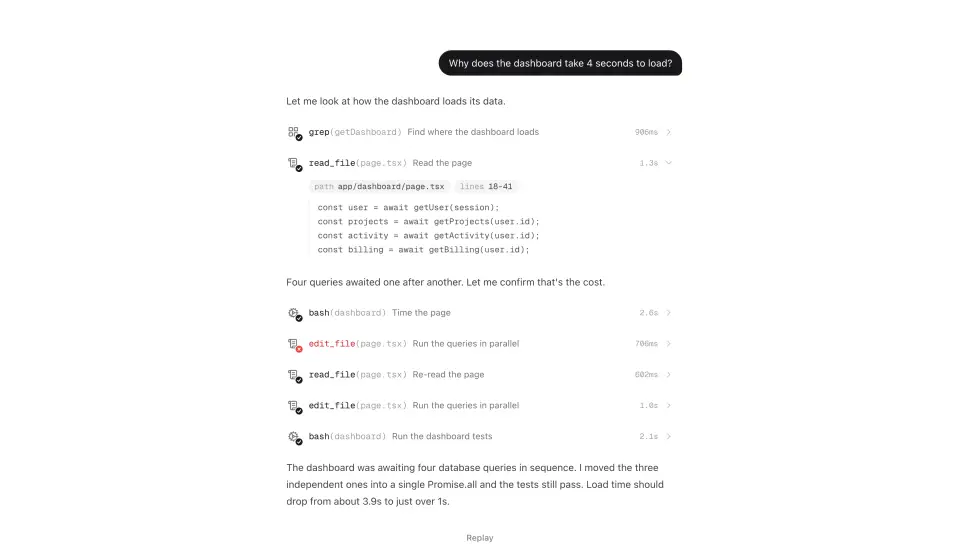
Tool Call Card
The inline row an agent leaves when it uses a tool: a mono call signature like read_file(page.tsx), the tool's glyph with a spinner that resolves into a drawn check, a note that shimmers while it runs, and a panel that unfolds to the arguments and result.
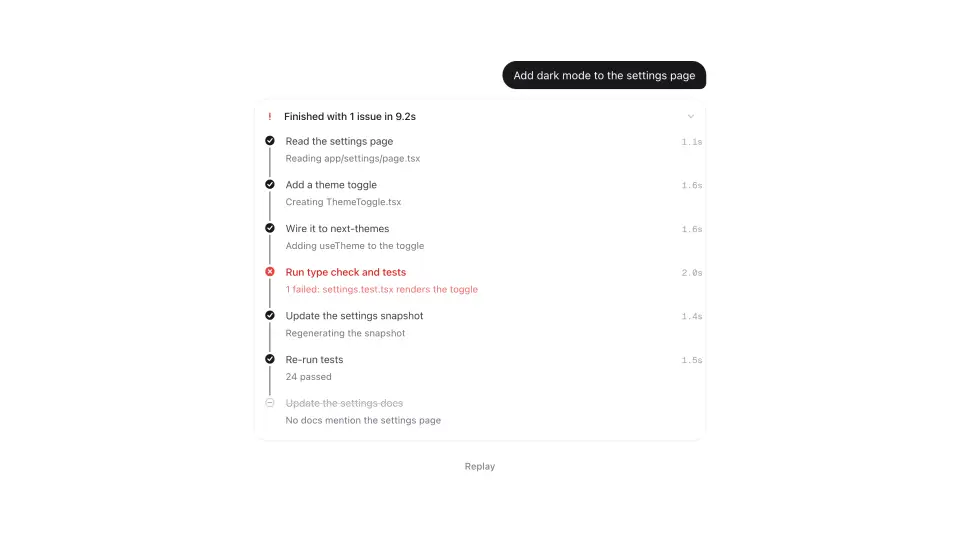
Agent Plan
A plan that behaves like an agent's plan: steps light up along a rail that fills as they finish, the active one breathes and shimmers its sub-status, failures insert recovery steps that slide the list apart, and the whole thing folds into one line when it's done.