Scroll Stage
FreeA pinned stage that hands its children a 0–1 scroll progress motion value, so any transform can be scrubbed by the thumb instead of played on a timer.
Installation
npx shadcn add https://useplanes.com/r/scroll-stage.json
<ScrollStage height="300vh">
  <Hero />
</ScrollStage>

function Hero() {
  const rotateX = useStageTransform([0, 0.5], [18, 0]);
  const scale = useStageTransform([0, 0.5], [0.86, 1]);
  return <motion.img src="/app.png" style={{ rotateX, scale }} />;
}
Examples
Stepped states
useStageStep splits progress into n equal segments and only re-renders when the segment changes, so the per-frame path stays on motion values.
function Reel() {
  const step = useStageStep(3);
  return <Panel active={step} />;
}
Reduced motion
Progress still tracks scroll (it is position, not decoration). Read ctx.reduced to flatten your own transforms — e.g. map to opacity only.
const { progress, reduced } = useScrollStage();
const y = useTransform(progress, [0, 1], reduced ? [0, 0] : [80, -80]);
Use cases
Hero media scroll-out
A screenshot that stands up from a tilted perspective to flat as the visitor scrolls in.
Feature reels
Step through features while a pinned panel swaps state — useStageStep(n) gives the active index.
Product reveals
Scrub an image sequence or 3D-ish transform with scroll, Apple product-page style.
Storytelling sections
Pin a chart or map and let scroll drive what it shows.
Related components
All Sections components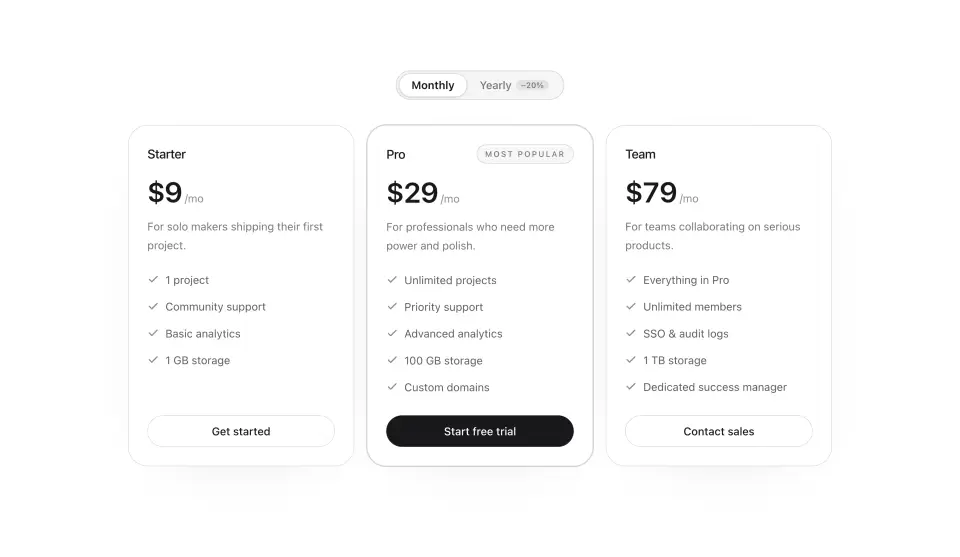
Pricing Table
A pricing section with a billing toggle, prices that roll when you switch, and a highlighted popular tier.
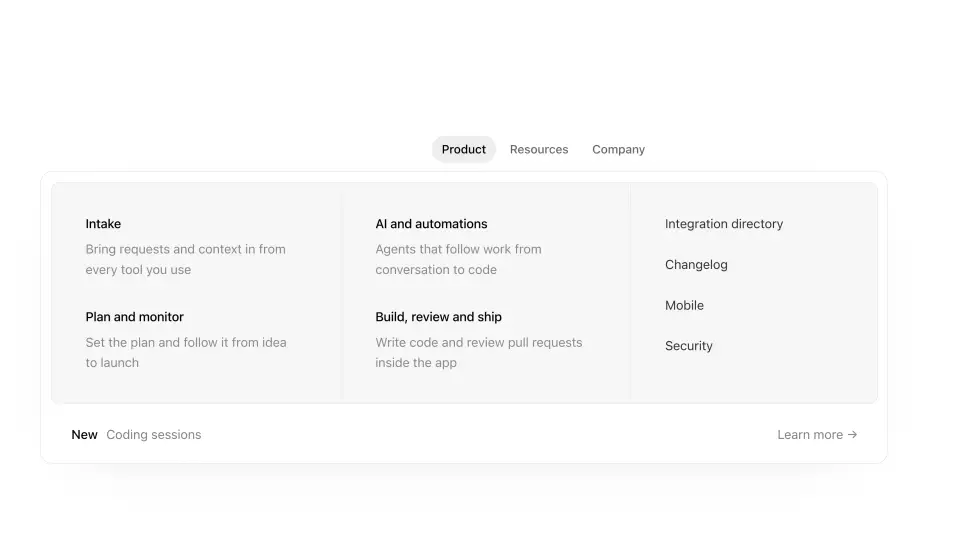
Mega Menu
A navigation panel that reshapes to each menu's content instead of swapping — measured width and height, a caret that tracks the trigger, keyboard-driven.
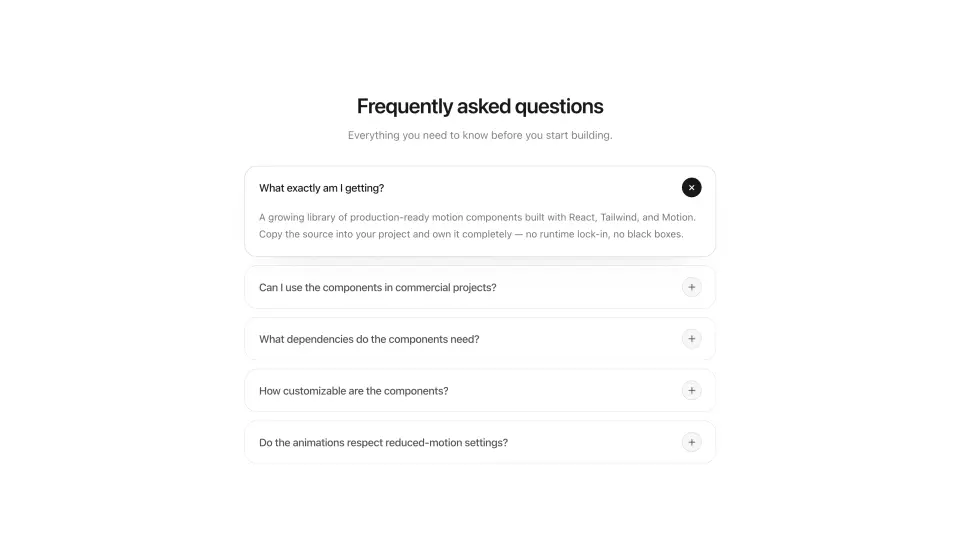
FAQ Section
An FAQ accordion where rows pop in, panels unfold on a spring, and the plus icon twists into a close mark.
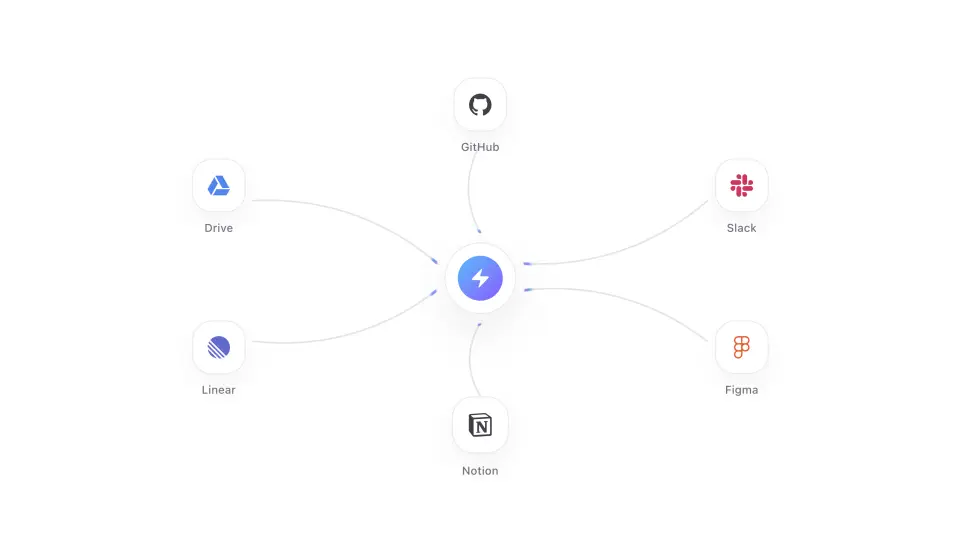
Integration Beams
Integration logos fire a synchronized wave of light pulses along drawn beams that converge on a central hub, which swells and ripples as they land together.
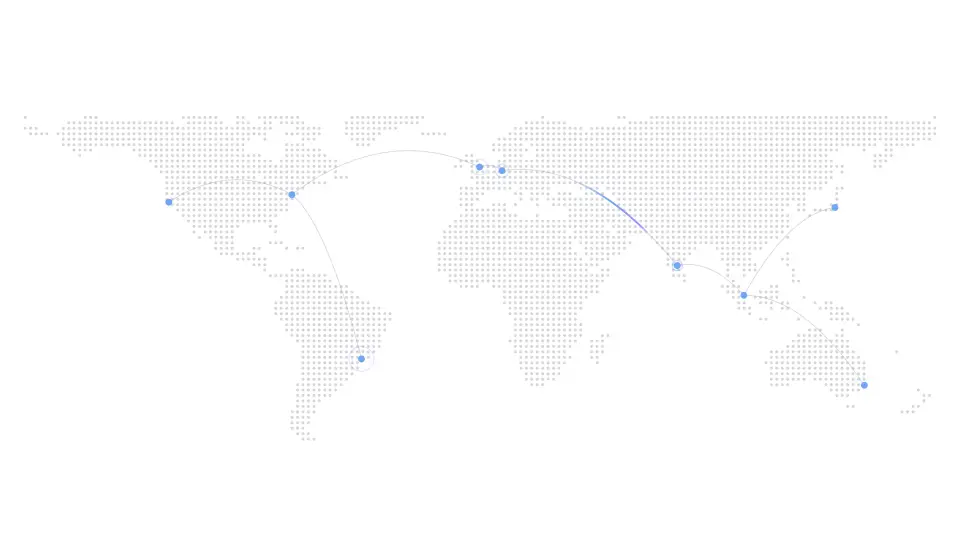
World Map
A dotted world map where comets of light arc between cities, each landing with a ripple. Markers pulse idly and reveal their labels on hover.
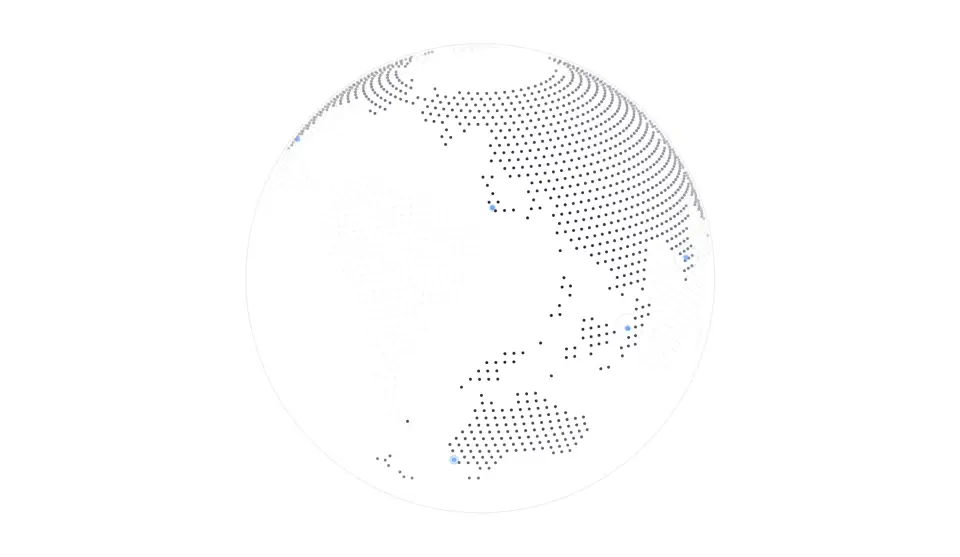
Dotted Globe
A rotating globe of land dots with your locations glowing as accent markers, each sending out a slow ripple. Drag to spin it — momentum hands back to the idle rotation.